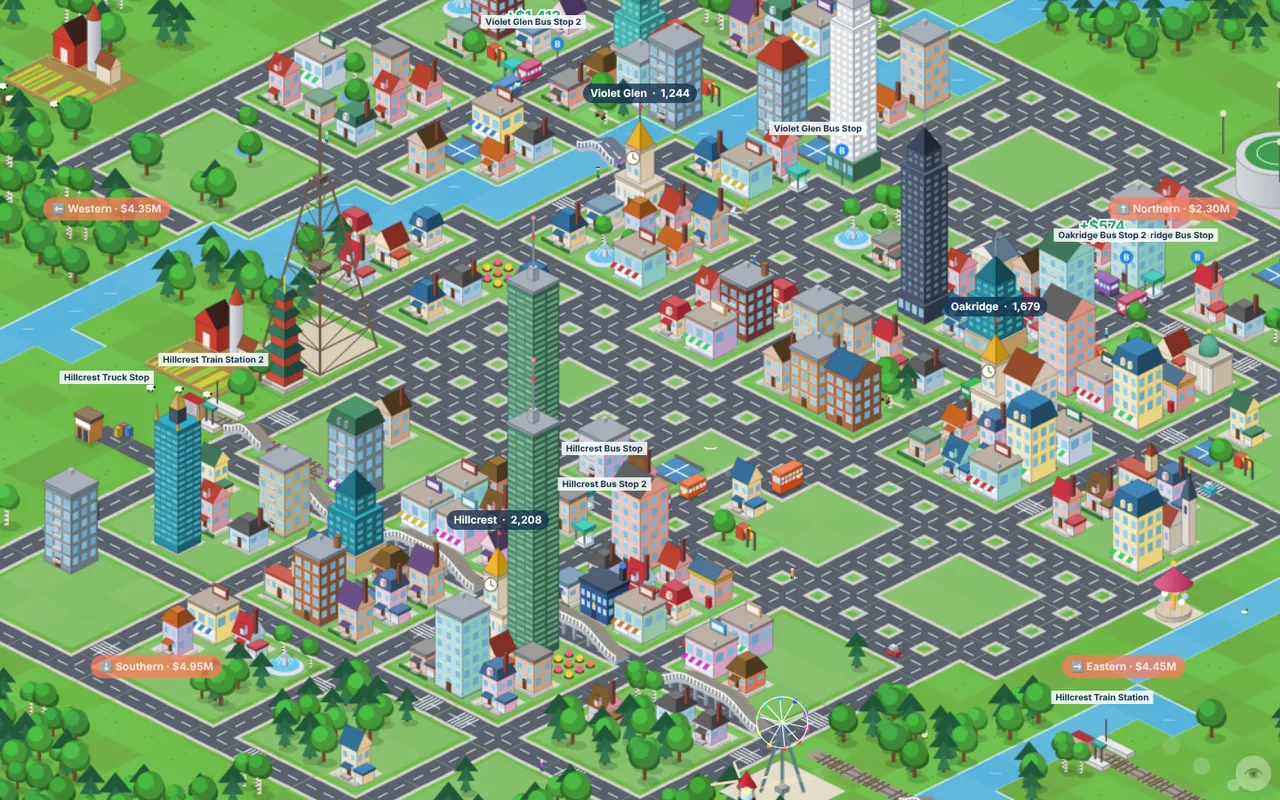
You start with $100,000. A bus stop costs about $750, road costs about $35 per tile, and a Minibus about $6,000. That leaves plenty of room for mistakes, but a good first line pays for your next ten moves.
Step by step
Pick two towns that are not too close
Fares grow with distance, so two towns 12–20 tiles apart earn much more per trip than neighbours. Very long routes earn the most per trip, but your bus completes fewer trips. For the first line, a medium distance is the sweet spot.
Place the first stop where people live
Open Stations and choose Bus Stop. Hover over a street and look at the preview: a dashed circle shows the catchment (about 4 tiles), and a card shows People in reach and Passengers per month. Move along the streets until the number is as high as you can get it, usually near the town hall. A stop needs at least 15 people in reach to accept passengers.
Place the second stop in the other town
Do the same in the destination. Passengers delivered here make this town grow, so it is also worth choosing a busy spot.
Join the stops with a road
Open Roads and drag from one town's streets towards the other. Hold Shift and click two tiles to lay a straight line in one go. Red tiles under the cursor tell you why you cannot build there. Most often it is land you do not own yet. Water and railway crossings become bridges automatically, at five times the normal price, so avoid long bridges early on.
Buy a Minibus
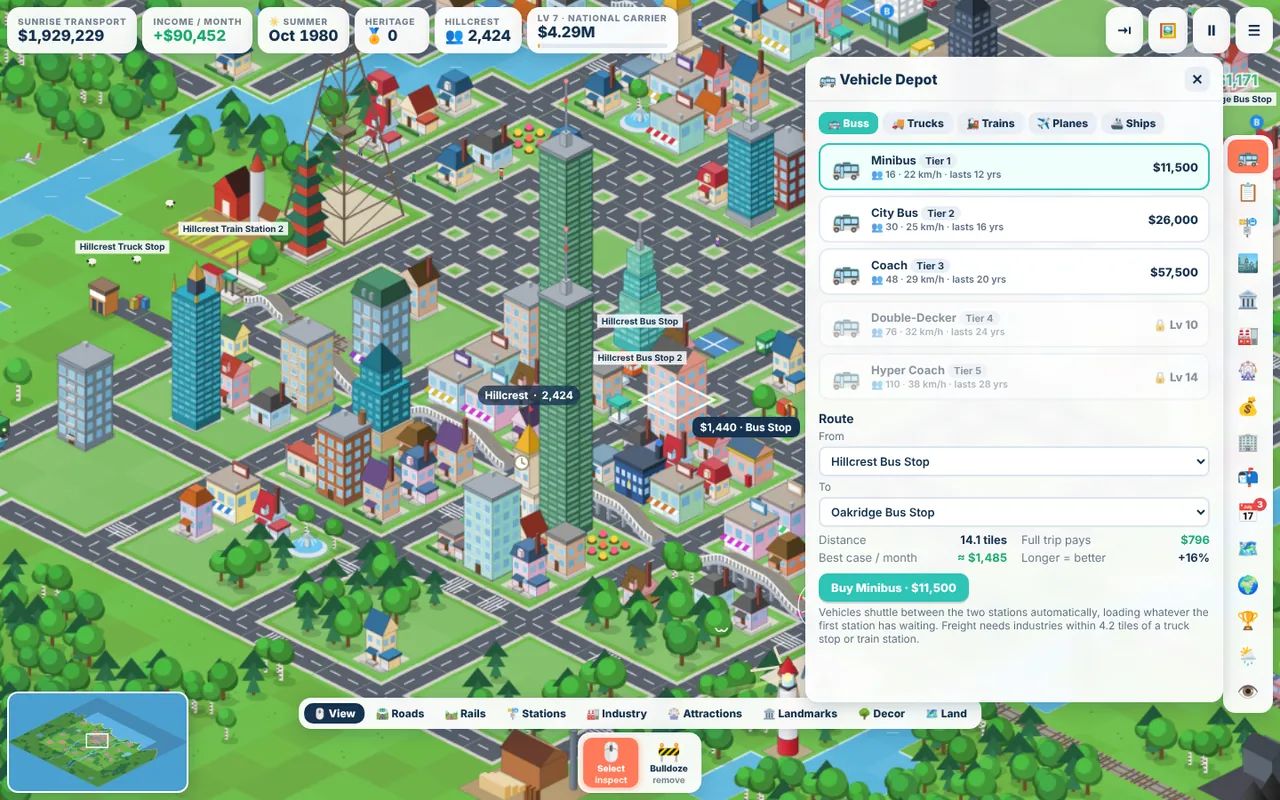
Open the Vehicle Depot from the side bar, or select a stop and press Buy vehicle here. Choose Minibus, set From and To to your two stops, and check the estimate. The depot tells you the distance, what a full trip pays and a best-case income per month. If it says the stops are not connected, look for a gap in your road.
Watch the first trips
Click your bus to follow it with the camera. Each arrival shows a small green number for the fare. After a month, the Fleet window lists what every vehicle earned.
Making it pay more
- Add buses before upgrading them. A popular stop holds up to 80 waiting passengers. If people are piling up, a second Minibus earns almost as much as the first.
- Use an ad campaign. Towns on your land let you run an ad from the Town Council: +50% passengers for six months.
- Build attractions near stops. A playground or a fountain plaza near a station draws visitors and earns a little income every month.
- Chain towns together. A → B and B → C lines feed the town in the middle from two sides, so it grows fastest.
- Replace old buses in time. A Minibus lasts about 12 years. Past three quarters of its life it slows down and breaks down more often. Upgrading costs the new price minus most of the old vehicle's value.
Common mistakes
- Stops on the edge of town. Half the catchment is empty grass. Move it one or two streets inward.
- Two stops in the same town. The trip is too short to pay much. Use separate towns.
- Running out of cash. Upkeep is charged every month. Keep a buffer, and use the bank in the Finance window rather than going negative.
Ready to try it? The game runs in your browser on a laptop or PC, and it is free.
Play Browser City TycoonNext guide: Freight and industry chains