How growth works
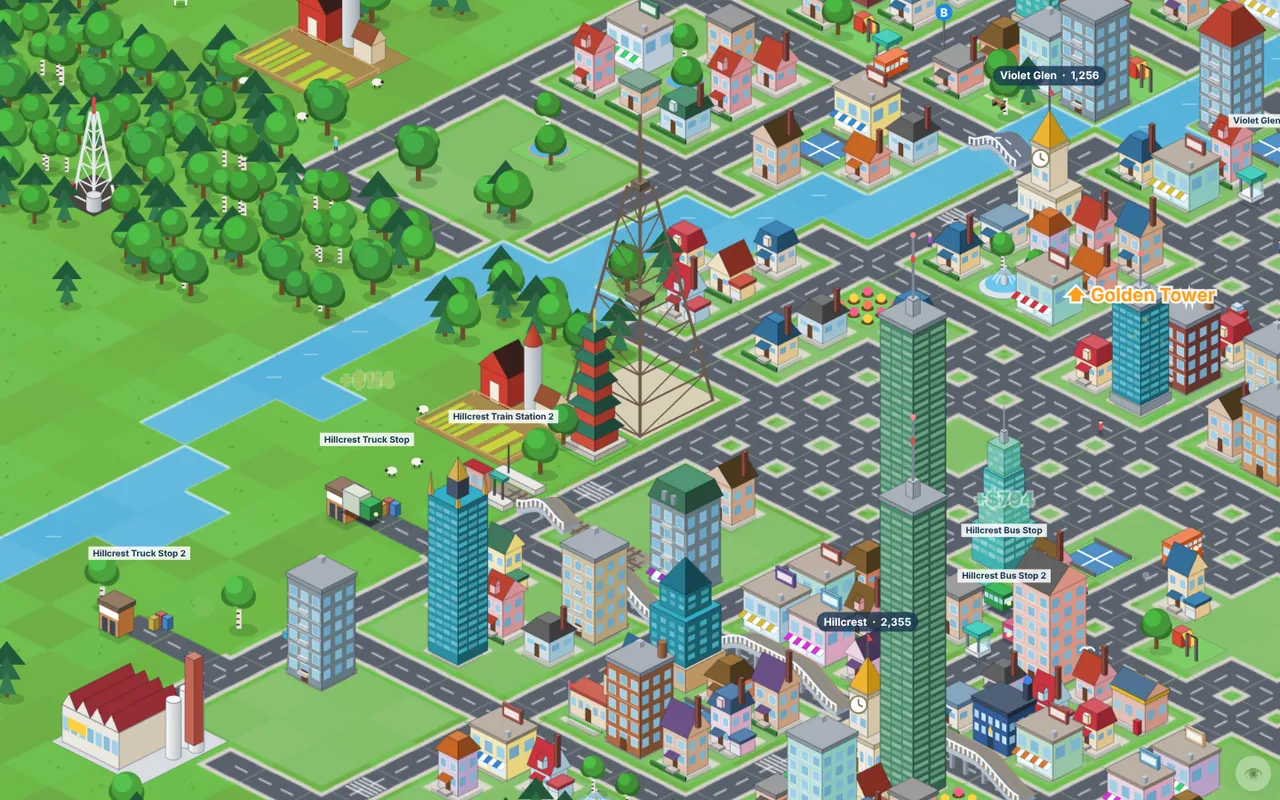
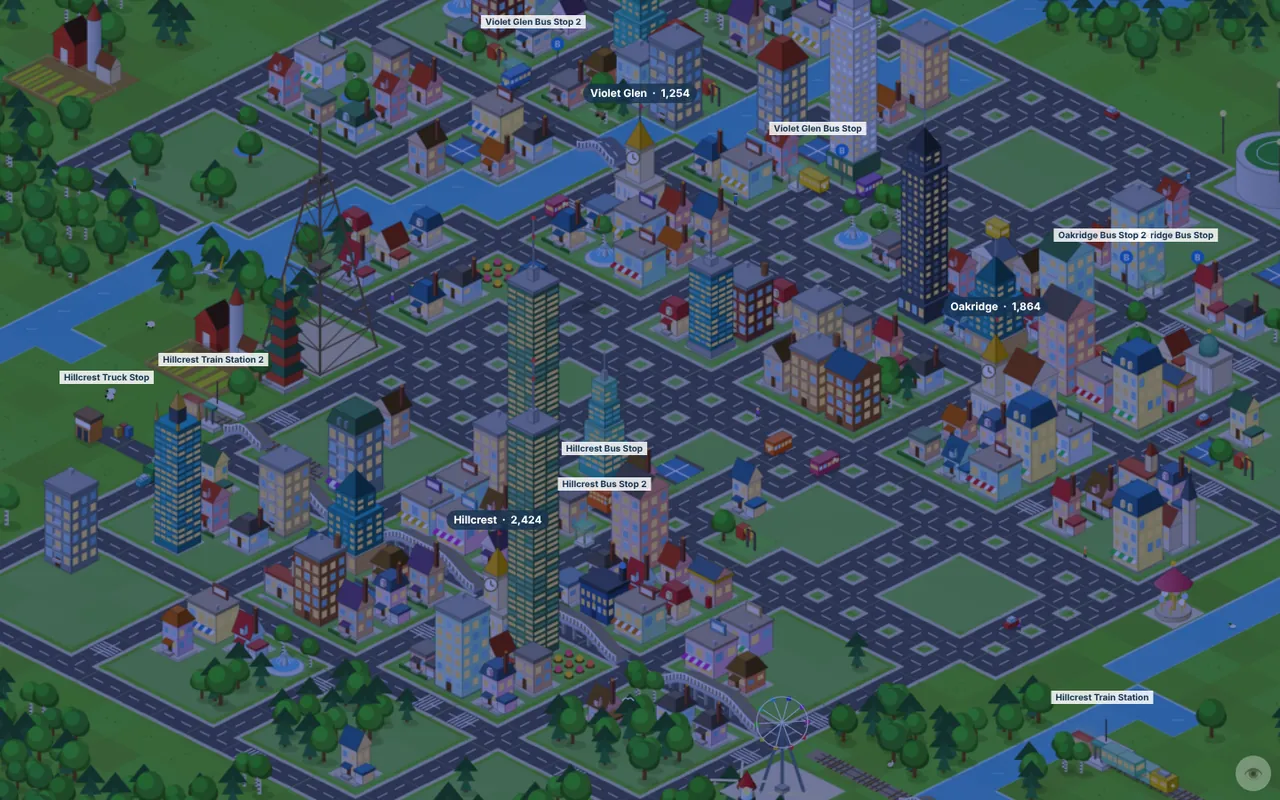
Each town has a growth meter. It fills slowly on its own, and much faster when you deliver passengers. A passenger arriving in a town adds almost a full point. The town they left from gets half a point. When the meter is full, the town builds something new. Bigger towns need more growth for each new building, so service has to keep up.
- Under about 110 people, towns build houses, cottages, parks and corner shops.
- Above about 110, houses start being replaced by apartment blocks, shops and offices.
- Above about 140, towns add a school, a hospital, a fire station and other civic buildings.
- Above about 420, buildings near the centre are rebuilt as skyscrapers.
When a town runs out of empty lots, it lays a new ring of streets, up to a maximum size. There are over 120 building designs, so no two towns look quite the same.
The town council
For towns on land you own, the Town Council window offers three paid boosts:
- Fund Housing builds or upgrades several buildings immediately.
- Lay New Streets expands the town grid so it has room to grow.
- Ad Campaign gives +50% passengers at that town's stations for six months.
From level 3 you can also found a new town. You need a clear 9×9 area of your own land, at least 12 tiles from any other town. A fresh town starts small, and fast passenger service brings it to life.
Attractions and landmarks
The Attractions tab offers 50 attractions, from a $2,700 flower garden to a ferris wheel, aquarium, water park and stadium. The Landmarks tab has 25 million-dollar landmarks, including a great pyramid, a colosseum, a space needle and a rocket launch pad. They do three things:
- raise passenger demand at stations within a few tiles,
- pay a small income every month, more in summer, and
- count towards their town's appeal, which speeds up growth a little.
Most landmarks are unlocked with Heritage Points. Six of them, the streak monuments, are earned by playing on consecutive days. See Daily Challenge and rewards.
The four seasons
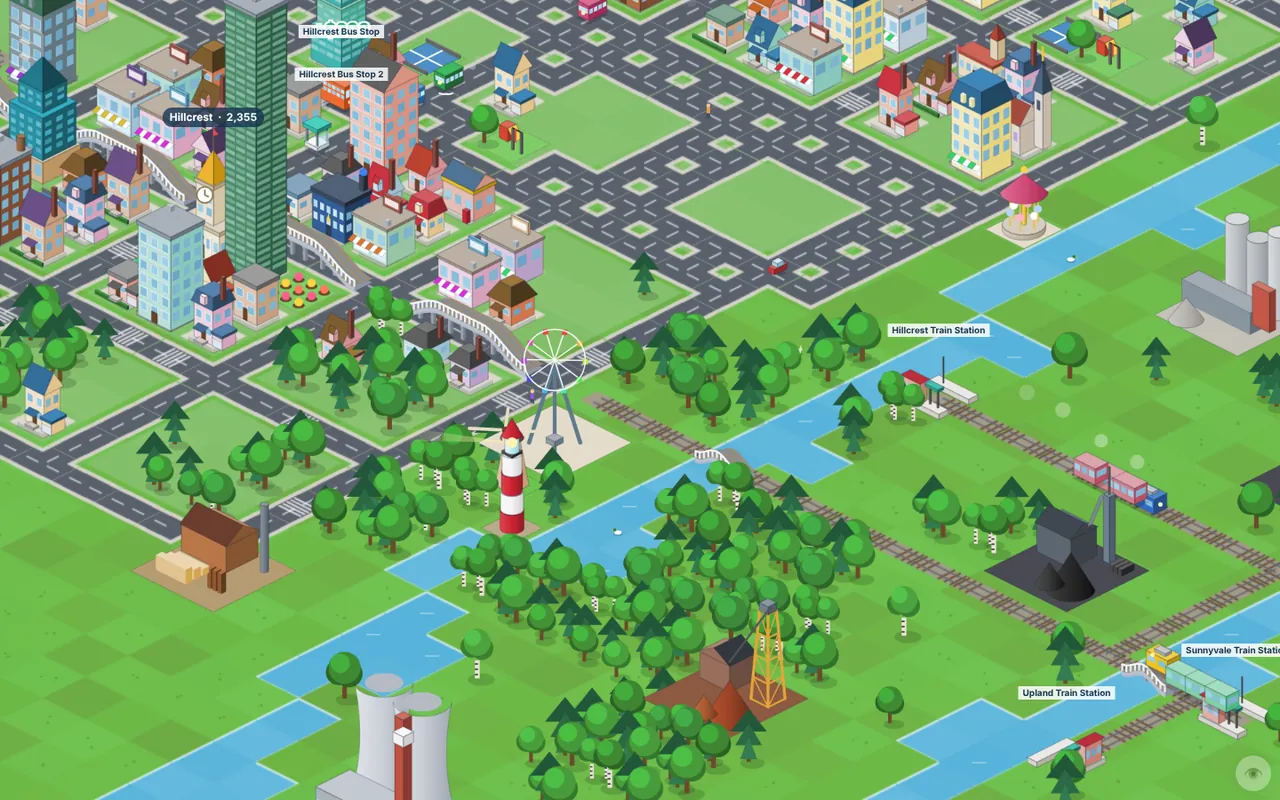
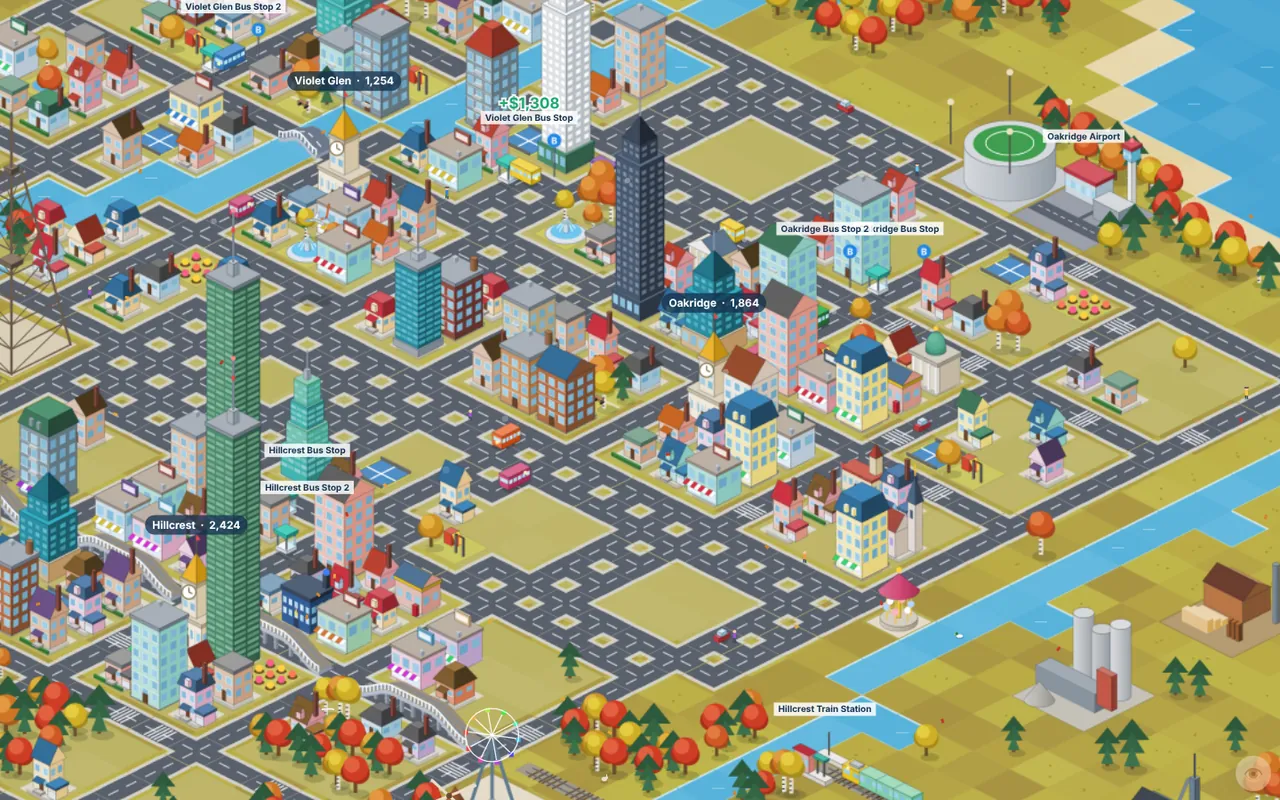
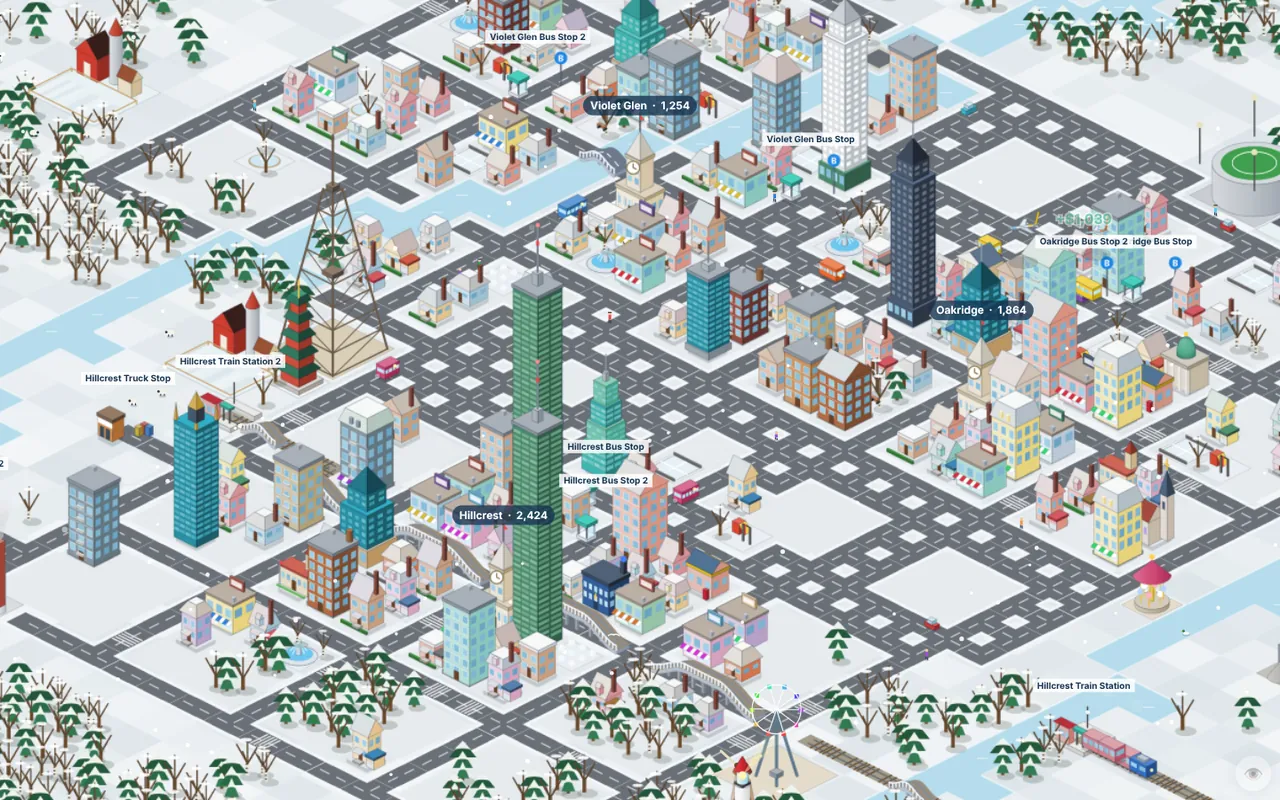
The calendar moves through spring, summer, autumn and winter every three months, and each one changes the economy as well as the scenery.
| Season | Effect |
|---|---|
| Spring | +15% town growth. Cherry trees blossom. |
| Summer | +25% visitors to attractions and landmarks. |
| Autumn | +50% harvest from farms and dairies. Golden leaves. |
| Winter | −45% farm output and −10% speed for road and rail. Snow covers the map. |
The Seasons window lets you summon any season early for a fee that grows with your wealth. It then holds for a full year, which is handy if your empire relies on farms or tourism.
Day and night
A day lasts just under two minutes. At night windows light up, street lamps glow and the lighthouse beam sweeps the water. It does not change income, but it is one of the nicest moments to pause and look around.
Ready to try it? The game runs in your browser on a laptop or PC, and it is free.
Play Browser City TycoonNext guide: Money, loans and company levels